MARKETINGMEDIA PRODUCTIONCURRENTLY BUILDING…
Redbird Fuel is a meal planner and calorie tracker for Illinois State dining halls, based off the menus posted for that day. It designs meal plans around caloric intake, protein, carb, and fat goals, and allergy requirements.
I'm the marketing chair of Redbird Barbell, Illinois State's powerlifting and weightlifting club, and the same thing kept coming up: hitting a goal is hard when every meal comes out of a dining hall. The workaround people had was googling, weighing, and calculating each dish. I built the prototype for Redbird Fuel in a three day rush, and launched it by QR code at a club meeting to get early user feedback.
A student sets their targets once: calories, protein, carbs, fats, and anything they can't eat. From there it builds a full day out of what the halls are serving, split into meals on the dining halls' own station times, so breakfast is built from what is open at breakfast. Dishes can be swapped or scaled by the serving, and the totals move with them. One toggle switches the whole day between Watterson and Linkins. Meals that have already passed stay on screen and stay counted, so the day still adds up.
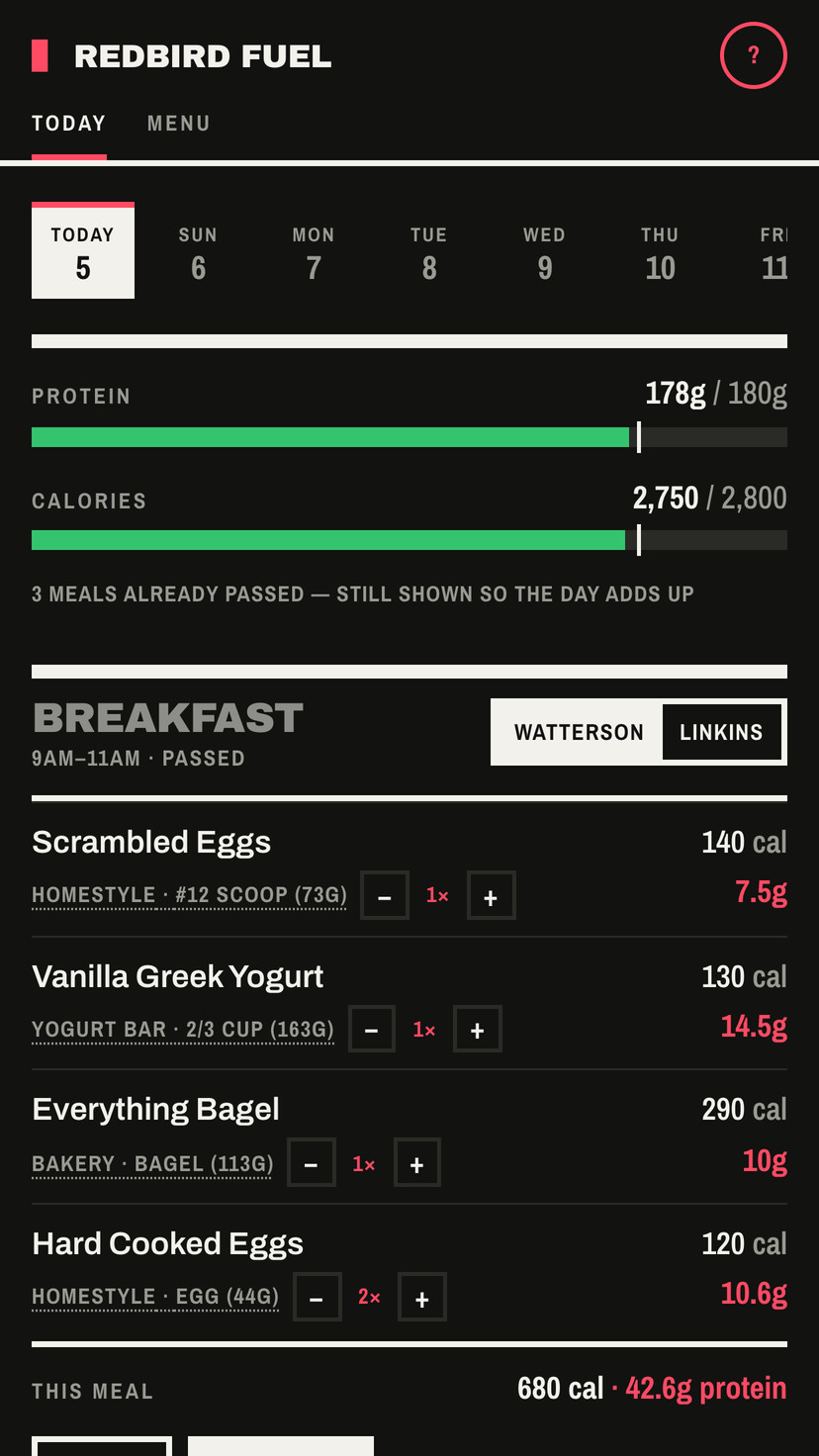
Targets at the top, then the day it built.
At first, I handed a model the menu and asked it for a day of food. It worked great for me, but that got expensive quickly, especially as users joined. Instead, it does the arithmetic in the browser. Identical inputs produce an identical plan, so two people comparing trays see the same thing. No model runs when a plan is built. A meal solves in under 20ms.
V1 re-generated the meal around user edits. I ran testing sessions with club members, and they disliked that, so V2 got one rule: once a meal is edited, the app never rearranges it again. It became a food log instead, with gram weighing and re-logging. Opening a meal gives a swap, an added dish, a removed meal, and a button to log it. The footer keeps a running total for that meal alone. V2 shipped five days after V1.
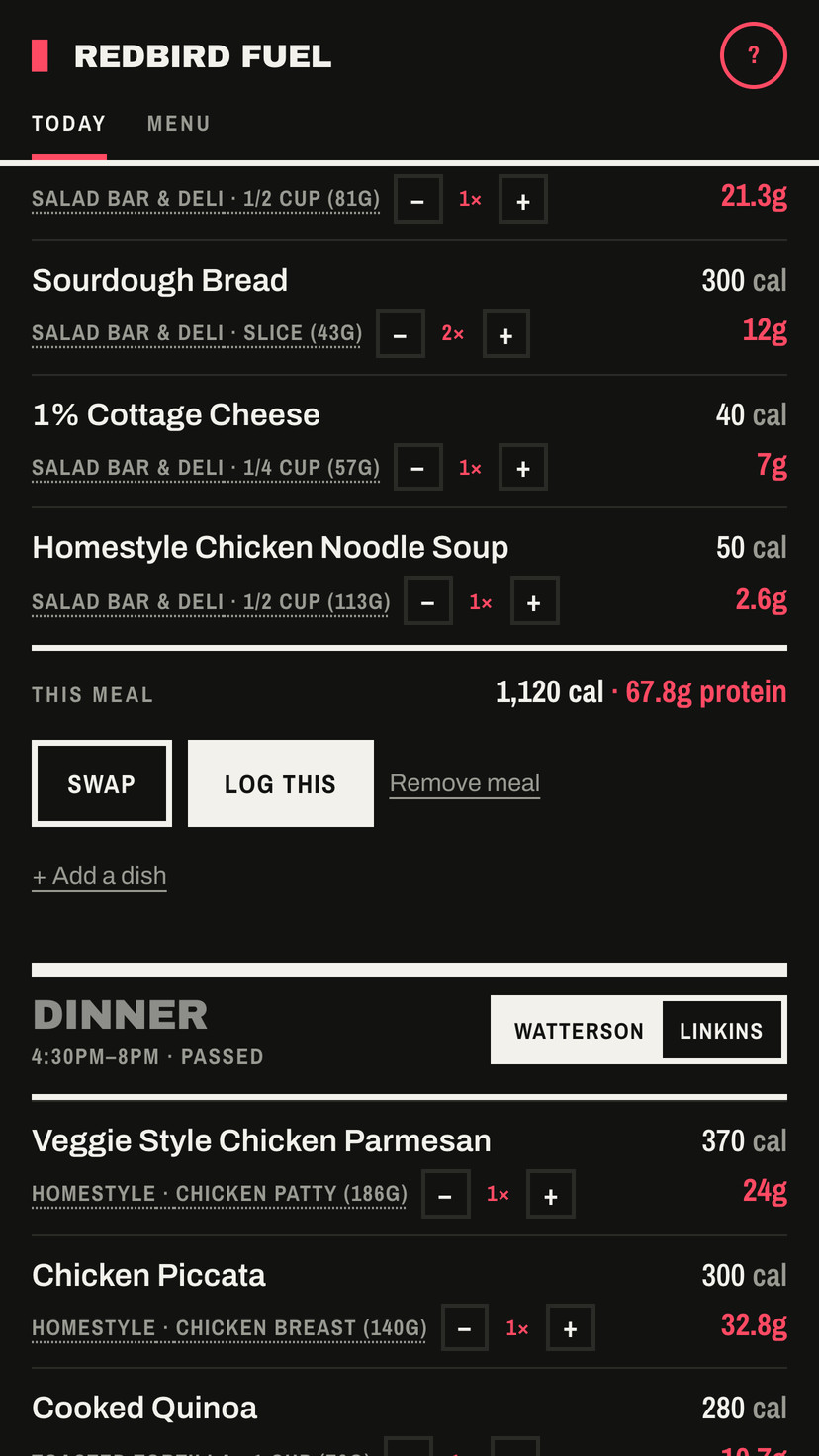
A meal opened up, with its own totals.
A dining hall offers a lot of ways to hit the same set of macros. Some students disliked how the planner reached for pizza and burgers when it had slack left over, and others wanted room for a treat now and then. So onboarding asks one question about food, and the answer is a slider that sets how much slack a plan is allowed to spend. It opens on the second of four notches, Everyday, which is normal dining-hall food. The targets hold either way, and it can be moved later.
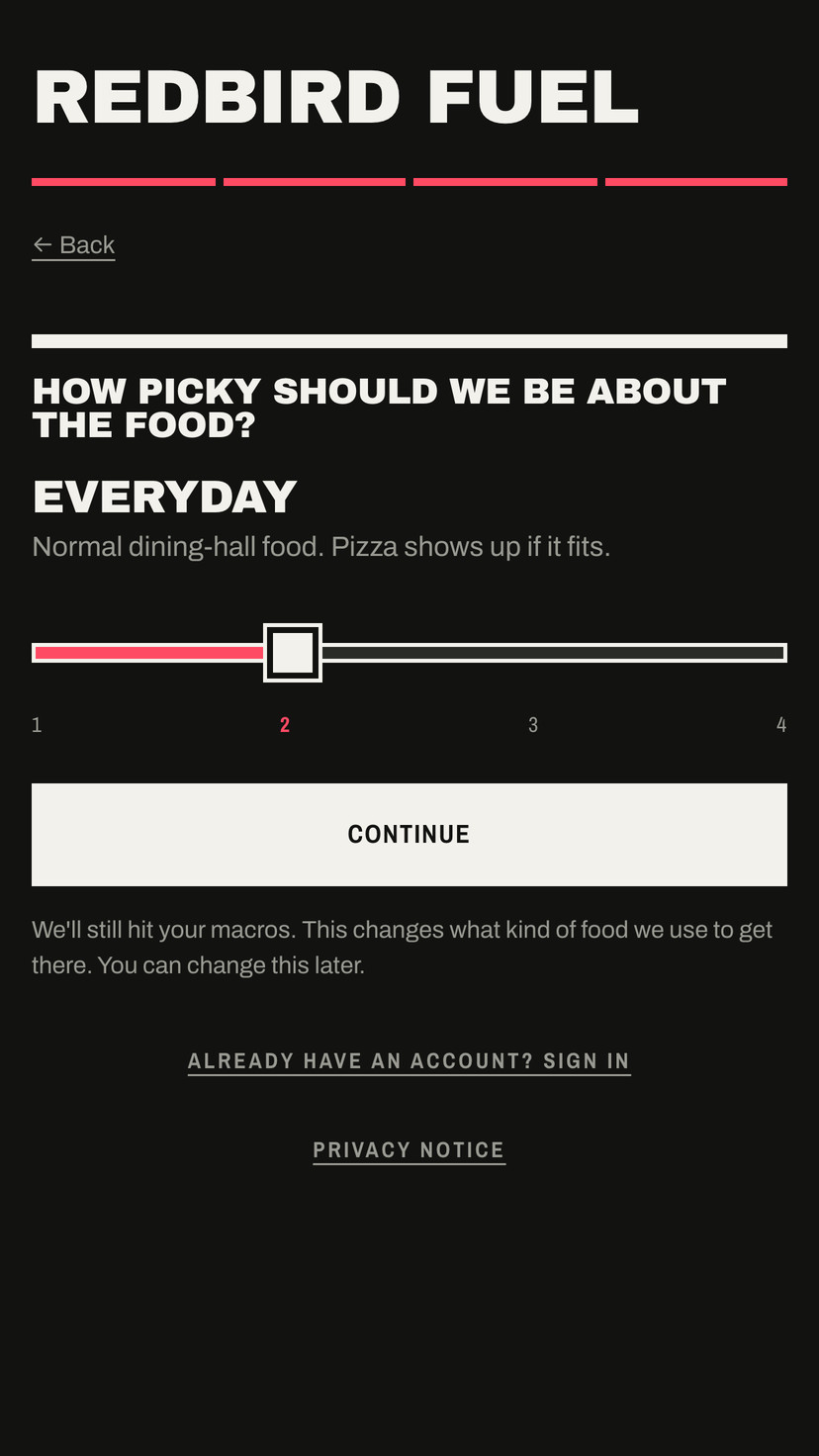
The slider in onboarding, on its default.
V2 came out of tester feedback, so I wanted to know whether it was actually better and not just different. I wrote a script that builds 480 meal plans, then ran the same 480 through both versions. V2 picked a best-tier entree in 69% of them where V1 managed 44%, and it stacked three entrees onto one tray in 3% of them instead of 7%. At the default slider notch, every one of the 480 landed within 75 calories and 5 grams of protein of its target, and the worst single miss was 60 calories.
This app solved a crucial gap in university-offered services for the gym-goers around campus, and in the first week alone it helped over 40 students plan more than 1,200 meals. Next steps are to get this in front of a broader group of students around campus to realize a larger vision of the change it could make, both for nutritionally-minded students and those working around allergies.